Your AI email assistantfor cold email.
HotHawk reads and labels every cold email reply for you, out of the box. Its own AI sorts the interested from the out of office the moment they arrive, so your inbox triages itself. Want your own logic? Point Claude or ChatGPT at it to draft and sort your way.
No credit card required.
The outbound teams running AI on HotHawk






The basics
What is an AI email assistant?
An AI email assistant reads your inbox, works out what each message needs, and helps you answer it. For cold email that means every reply gets read, sorted and lined up so you only spend time on the ones that matter.
HotHawk has one built in. Its own AI labels every reply the moment it arrives, into buckets like Interested, Not interested and Out of office, with no setup at all. When you want more, point Claude or ChatGPT at the Master Inbox over MCP or the API to draft replies for your approval and sort to your exact rules, and turn the built-in AI off if you want yours in charge.
What it does
How it works
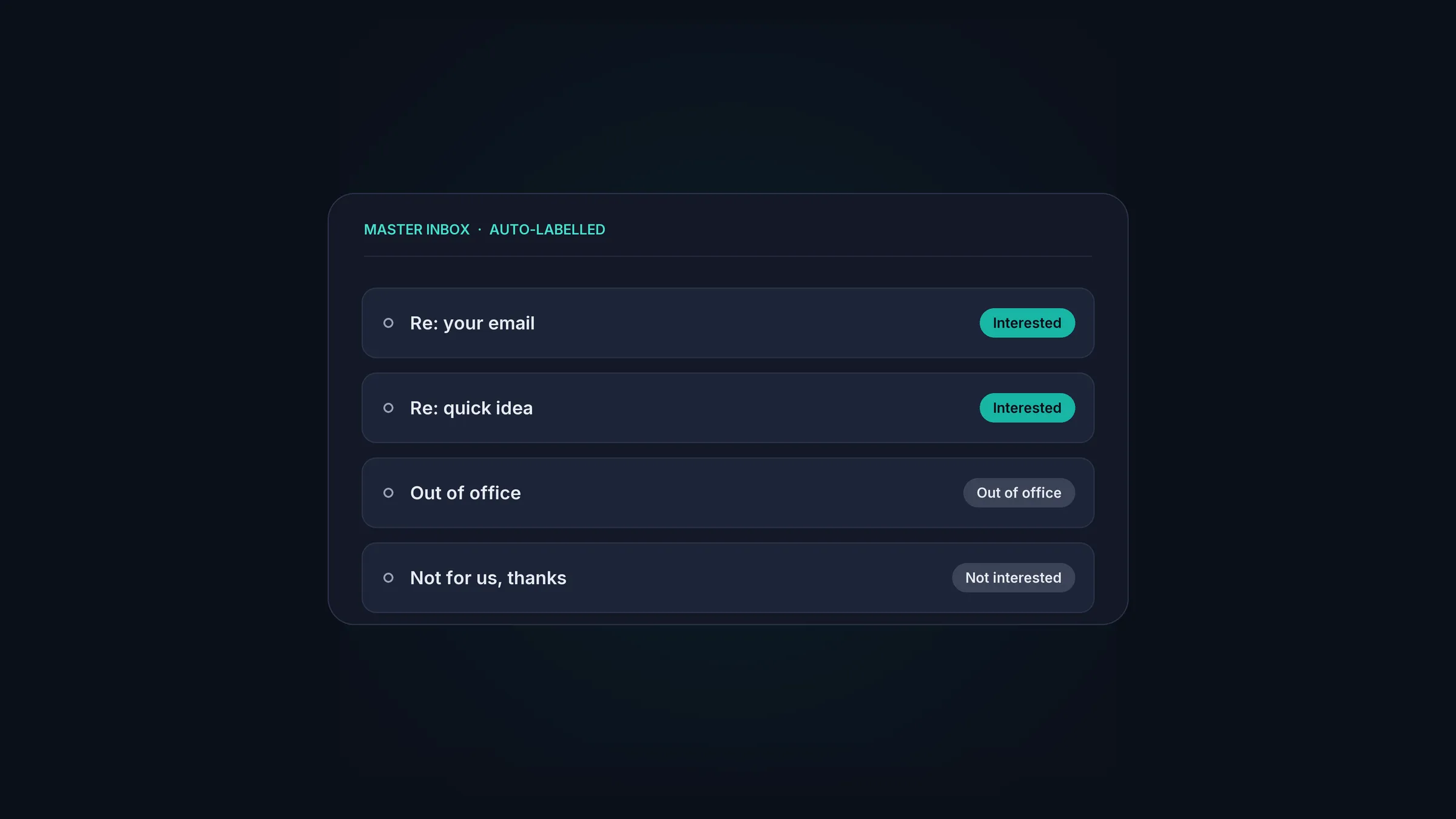
It labels every reply, automatically.
HotHawk's own AI reads each reply the moment it arrives and sorts it: Interested, Not interested, Out of office and more. No setup, no connecting a model. Your inbox is triaged before you have opened it.
Every reply in one place.
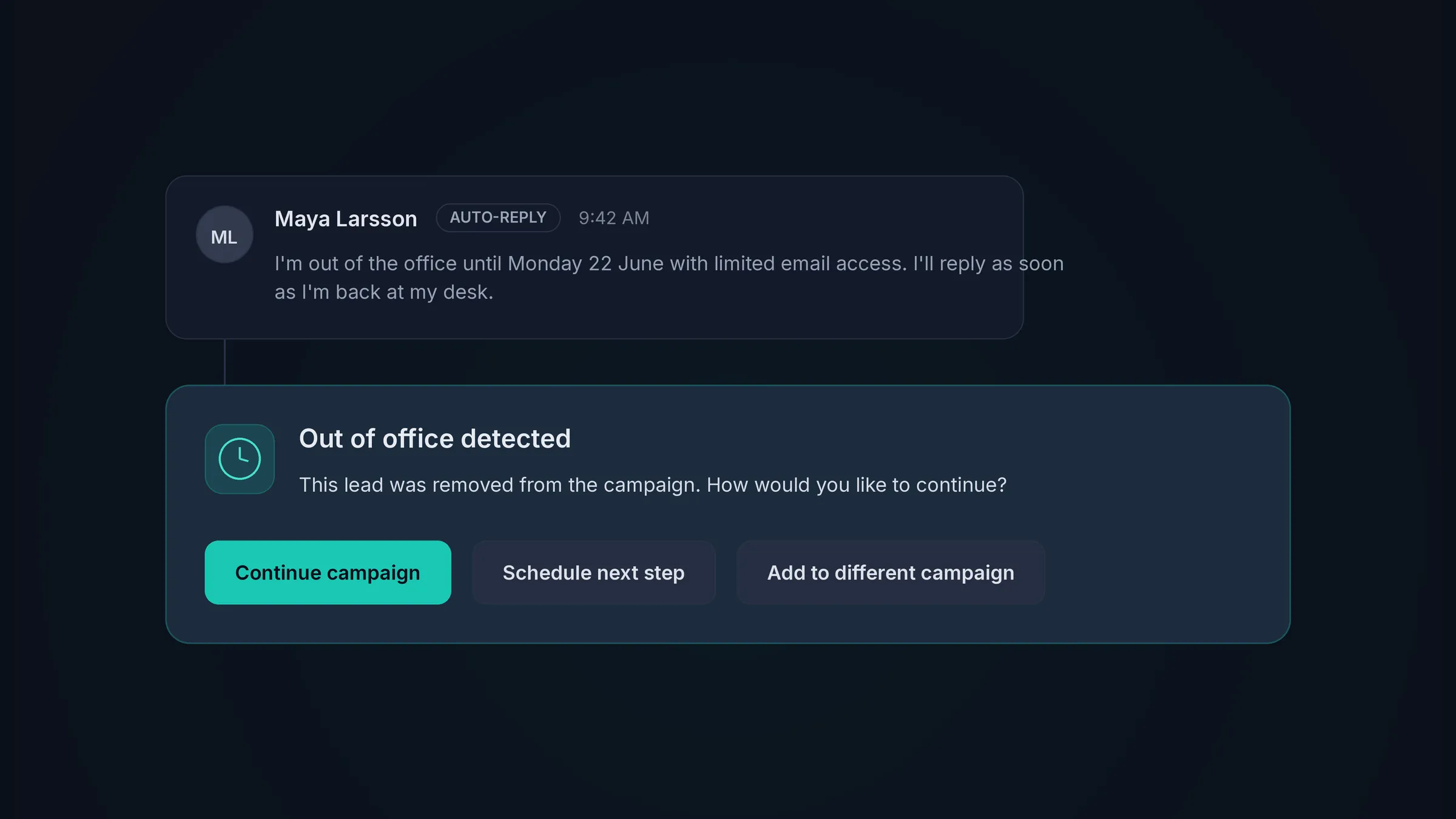
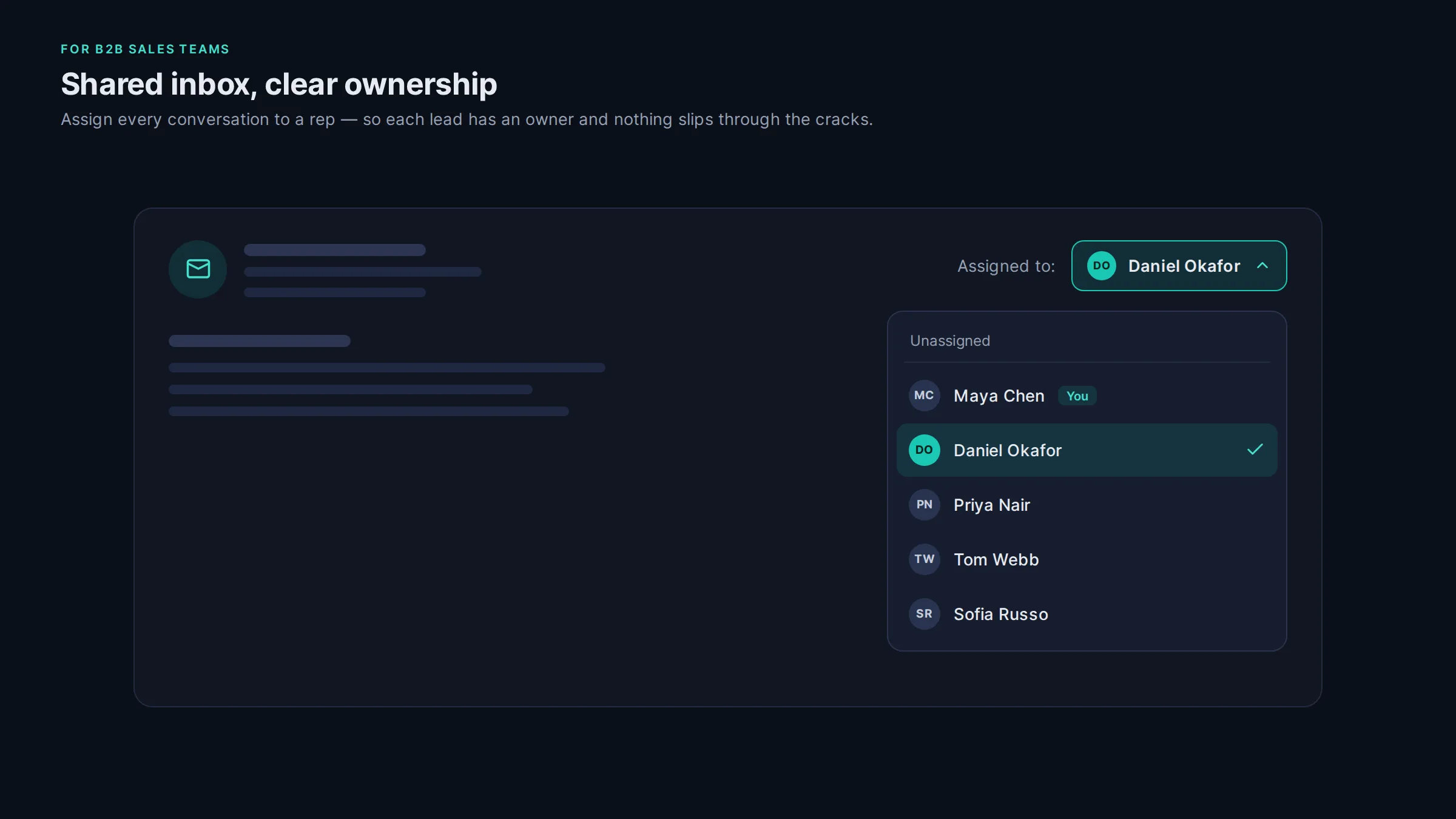
The Master Inbox pulls responses from every mailbox into a single view, including the forwarded and out of office ones. Nothing sits unseen in an inbox nobody opened.
Bring your own AI for the drafting.
Want more than sorting? Point Claude or ChatGPT at HotHawk over the MCP server or the API and it drafts replies from what the lead said, holds them for your approval, and labels to your own rules. Turn the built-in AI off if you want yours in full control.
It answers from the right mailbox.
Every reply goes back out of the same inbox that started the thread, so the conversation stays intact and your deliverability stays healthy while the assistant does the typing.
Try it
See it in action
What you get
What you get
Sorted from day one.
The built-in AI labels your replies out of the box, so a warm lead is never buried under a wall of out of office bounces.
Your AI, if you want it.
Keep HotHawk's labelling, or point Claude or ChatGPT at the inbox over MCP or the API to sort and draft to your own rules.
Nothing sent without your yes.
Drafts wait in a queue for your approval. Every reply that goes out was read and cleared by you.
AI email assistant FAQs
Does HotHawk label my replies for me?
Yes, automatically. HotHawk's own AI reads every reply and sorts it into labels like Interested, Not interested and Out of office, out of the box. You can add your own labels too. That is what makes it an email assistant before you connect anything.
Can I use Claude or ChatGPT instead of the built-in AI?
Yes. Point your own model at HotHawk over the MCP server or the REST API to label and draft to your own rules, and turn the built-in AI off if you want yours fully in charge. It is the same inbox either way.
Does it send anything without me seeing it first?
No. When it drafts replies, they sit in a queue for your approval. You read each one, edit if you want, and send. Nothing goes out on your behalf unless you say so.
Is this an AI SDR?
No. HotHawk sorts and drafts, but you approve every reply and keep control of the inbox. It is an assistant that does the reading and the typing, not a hands-off agent sold to replace your team.
Do I need to write code to use it?
No. The built-in labelling needs nothing at all. To use your own AI, add the MCP connector and work the inbox from a chat, or wire the REST API into your own stack.
The wider job
For leads, launching and follow ups as well as the inbox, see how HotHawk works as your AI sales assistant.
AI sales assistantBring your own AI
Add the MCP connector and point Claude at your inbox to label and draft in plain language.
Cold email with ClaudeSend cold emails that get delivered. Never miss a positive reply.
Serious deliverability paired with the best reply management in the market.
No credit card required.