HotHawk vs Front
Front is one of the best shared inboxes there is, but it was built for teams working inbound email, not for cold outreach. HotHawk sends the campaigns, warms the mailboxes and manages the replies.
Choose HotHawk if
You are running cold email and want the sending and the replies in one tool: campaigns, warmup, rotation and a Master Inbox built for outbound.
Choose Front if
Your team collaborates on inbound email across a shared address, support, sales or operations, and you want multichannel and CRM-embedded workflows.
Last updated July 2026
HotHawk is cold email software used by teams like yours to send high volume cold email.
Special offer
Get 50% more sending, FREE.
50% extra sending on any plan, every month for as long as you're with us.
Side by side
HotHawk vs Front at a glance.
The honest split: HotHawk runs the cold outbound Front was never built for. Front runs the collaborative inbound HotHawk does not touch. The rest is underneath.
| Feature | HotHawk | Front |
|---|---|---|
| Built for | ||
| Built to run cold email | Yes | No, inbound collaboration |
| Best at team support inbox | Cold email replies | Yes, its strength |
| Cold outbound | ||
| Campaigns and follow-ups | Yes, native sequencer | No |
| Built-in warmup | Real Google + Microsoft, 50k+ | No |
| Automatic inbox rotation | Yes | No |
| Sends at volume | 40,000 a day and more | No |
| Reply management | ||
| Master Inbox for cold replies | Yes, forwarded + CC + never-emailed | Shared inbox |
| Round robin reply routing | Yes | Rules and assignment |
| Multichannel (SMS, chat, voice) | Email, plus LinkedIn via HeyReach | Yes |
| Pricing | ||
| Pricing model | Flat, from $97/mo, seats unlimited | Per seat, $25 to $65 |
| Free trial | 7 days, no card | 7-day trial |
Comparison based on publicly available information from front.com and hothawk.ai, accurate as of July 2026. Pricing and features change, so check each provider for the latest. Front is a trademark of Front Technologies, Inc.; HotHawk is not affiliated with or endorsed by Front.
Where HotHawk wins
Everything a shared inbox cannot send.
Front organises the email you receive. Cold email is about the email you send, and all the machinery behind reaching the inbox, which a shared inbox has no reason to include.
It actually sends
Front organises the email you receive. HotHawk runs the email you send: multi-step campaigns, follow-ups on a schedule, and the leads flowing through them. That is the half Front does not do.
Deliverability built in
Warmup on real Google and Microsoft inboxes and automatic rotation across your mailboxes, so cold email at volume reaches people. A shared inbox has no reason to include any of that.
Volume a shared inbox never needed
HotHawk is built to send 40,000 a day and more across many warmed mailboxes. Front is built for a team working one address, so scale means seats, not sending.
Campaign analytics, not ticket metrics
Reply rate, positive reply rate, bounces per campaign. The numbers cold outreach lives by, rather than the response-time and workload metrics a support inbox reports on.
Where HotHawk wins
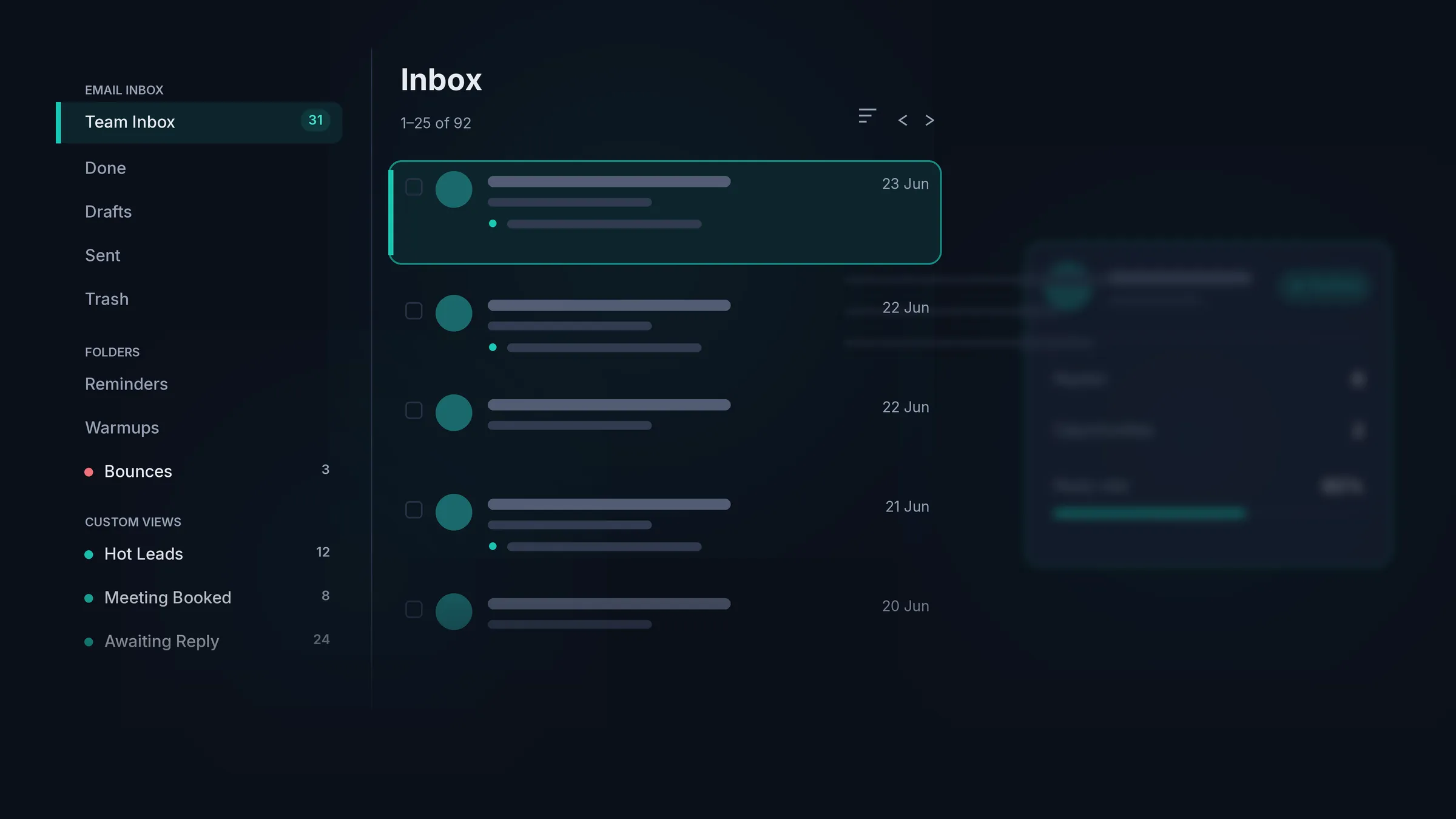
A Master Inbox built for outbound.
A shared inbox watches the addresses you plug in. HotHawk’s Master Inbox pulls replies from a rotation of many sending mailboxes, catches the ones that go astray, and routes them to your team.
Catches every reply
Forwarded replies, CC’d colleagues and people you never emailed directly, across every mailbox you send from. A shared inbox only sees the addresses you plug into it.
Routes across a rotation
HotHawk pulls replies from a rotation of many sending mailboxes into one inbox and assigns them by round robin or mailbox group. Front is built around a single shared address, not a fleet of senders.
Knows the campaign behind it
Every reply carries its campaign and mailbox context, because HotHawk sent it. Labels sort by intent out of the box, so the positive ones rise without manual tagging.
One tool, not two
The sending and the replies live together, so there is nothing to sync between a sender and a separate inbox.
Where Front wins
Front is a brilliant shared inbox.
For a team working inbound email together, Front is one of the best tools out there, and we are happy to say so. Shared addresses handled by several people, internal comments so no one steps on each other, email alongside SMS, chat and voice, and CRM-embedded workflows for support, sales and operations. That collaborative inbound job is what Front is built for, and it does it beautifully.
HotHawk is built for the opposite end: sending cold email at volume and managing the replies it earns. If your job is running outbound, that is where we win. If it is running a team inbox for inbound, Front is the better fit, and you might well run both.
The verdict
Which should you pick?
Pick HotHawk
For running cold email: sending campaigns from warmed, rotated mailboxes and managing every reply in a Master Inbox built for outbound, from $97 a month.
Pick Front
For a team collaborating on inbound email across a shared address, with multichannel and CRM-embedded workflows for support, sales or operations.
FAQ
HotHawk vs Front questions.
Can I use Front for cold email?
You can manage the replies in Front, but you cannot send cold email from it. Front is a shared inbox for teams collaborating on inbound email; it has no sequencing, warmup, mailbox rotation or deliverability tooling. So you would still need a separate cold email tool to actually send, which is the part HotHawk does, alongside the reply management.
What is the difference between HotHawk and Front?
Front is a shared inbox built for teams to work inbound email together, support, sales, operations. HotHawk is a cold email tool: it sends campaigns from warmed, rotated mailboxes and pulls the replies into a Master Inbox built for outbound. Front organises the email you receive; HotHawk runs the email you send and the replies it earns.
Is HotHawk a shared inbox?
No. HotHawk has a Master Inbox, which is a reply-management tool for cold email: it catches replies across a rotation of many sending mailboxes, routes them to your team, and labels them by intent. A shared inbox like Front is built for a team to collaborate on one address for inbound. They both involve a team and an inbox, but they are built for opposite jobs.
Where does Front win?
For collaborative inbound, Front is excellent and we would not pretend otherwise. If several people work a shared support or sales address across email, SMS, chat and voice, with internal comments and CRM-embedded workflows, that is exactly what Front is built for, and it does it well. HotHawk does not compete there; it is built for cold outreach.
Which is cheaper, HotHawk or Front?
They price differently. Front is per seat, from $25 to $65 a seat a month, so the bill grows with your team. HotHawk is flat from $97 a month with unlimited seats. For a small team the two can be close; for a growing one, HotHawk’s flat price pulls ahead, though you are paying for different things.
Comparison based on publicly available information from front.com and hothawk.ai, accurate as of July 2026. Prices and features change, so check each provider for the latest. Front is a trademark of Front Technologies, Inc.; HotHawk is not affiliated with or endorsed by Front. Last updated July 2026.
Send cold emails that get delivered. Never miss a positive reply.
Serious deliverability paired with the best reply management in the market.
No credit card required.